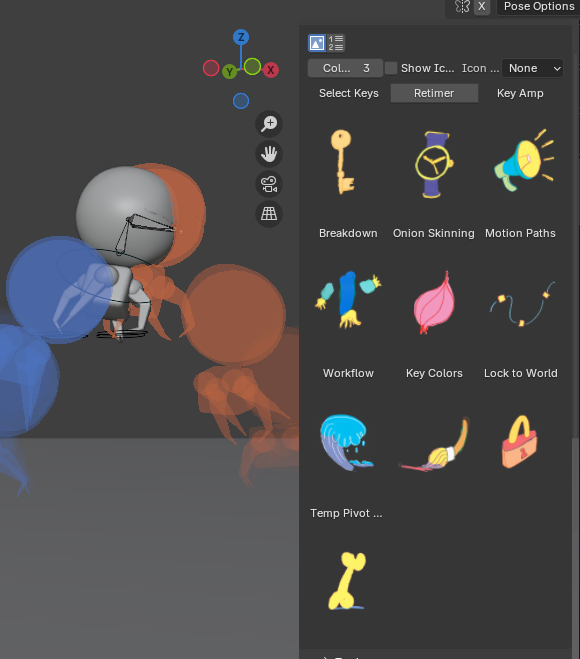
The Launcher Grid is a fun way of displaying your own custom images for each tool. First choose the Thumbnail mode button.
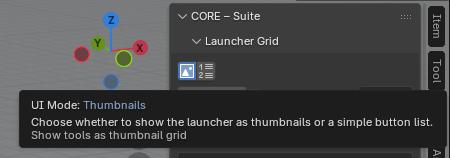
Then open up the Tile Settings and check the Use Custom box. From there you can use the Set Thumbnail button to locate and choose your own image.
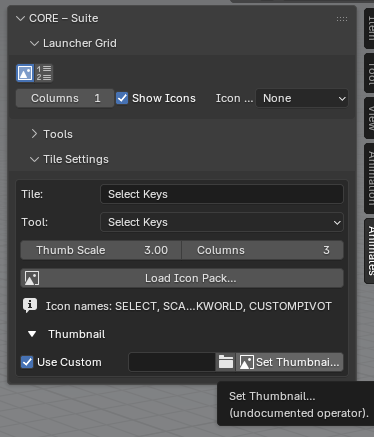
You can also use the Load Icon Pack button, this will ask for a folder where your icons can be preloaded from.

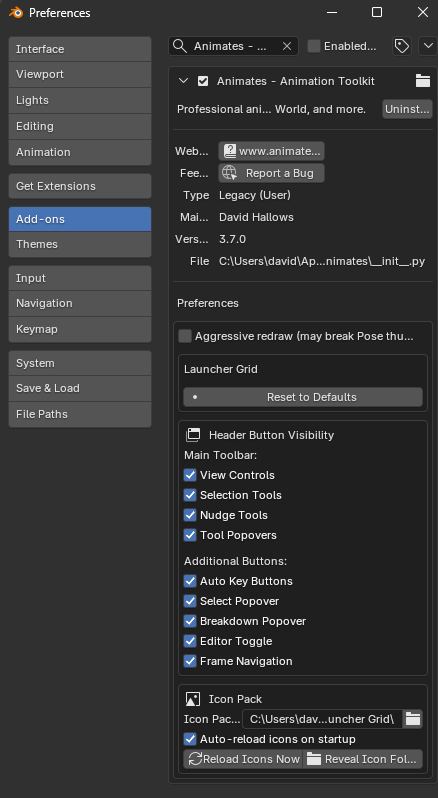
Or you can use a similar folder path in the Preferences, at the bottom.
The Icons can be scaled using these two variables –

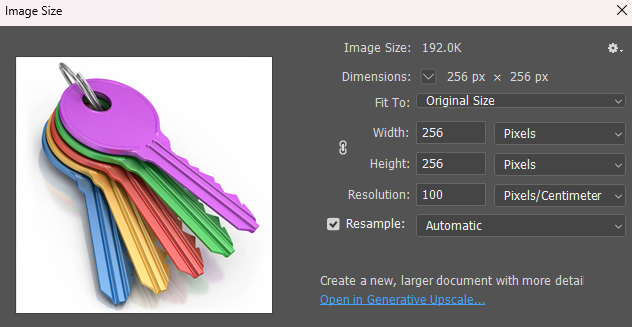
These are ideal dimensions –
Whilst it would be my ideal, quirky customisable UI to have all buttons being able to be hit in full, it is only the top where the text lies that is clickable
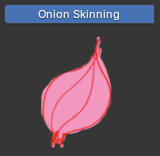
Nonetheless, have fun!